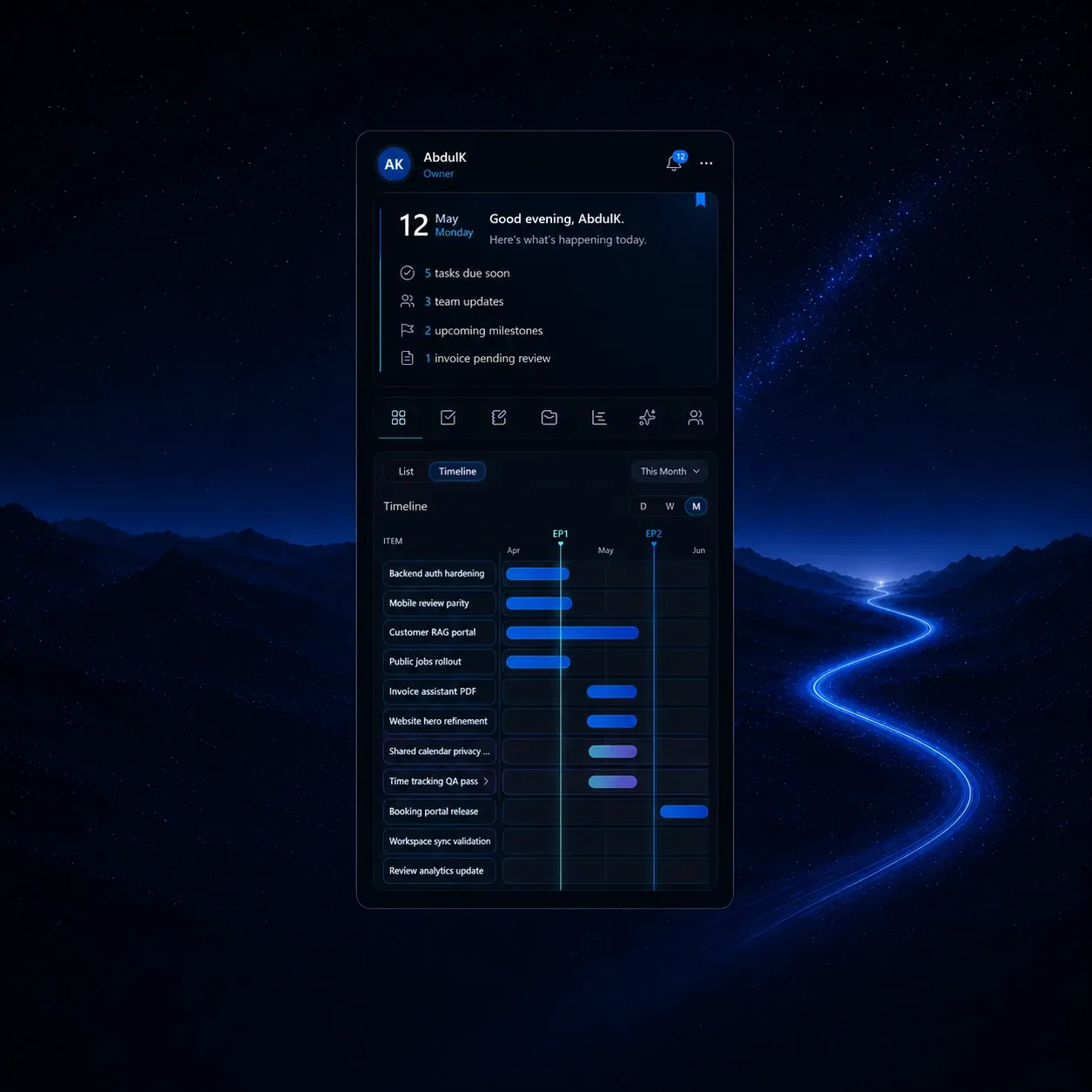




Work structure
Tasks, ToDo, Epics, planning, and review stay connected to the same workspace.
PRODUCT · ARKONKT
Arkonkt brings work, workload, knowledge, customer context, and AI support into one shared product system.
WORKSPACE SYSTEM
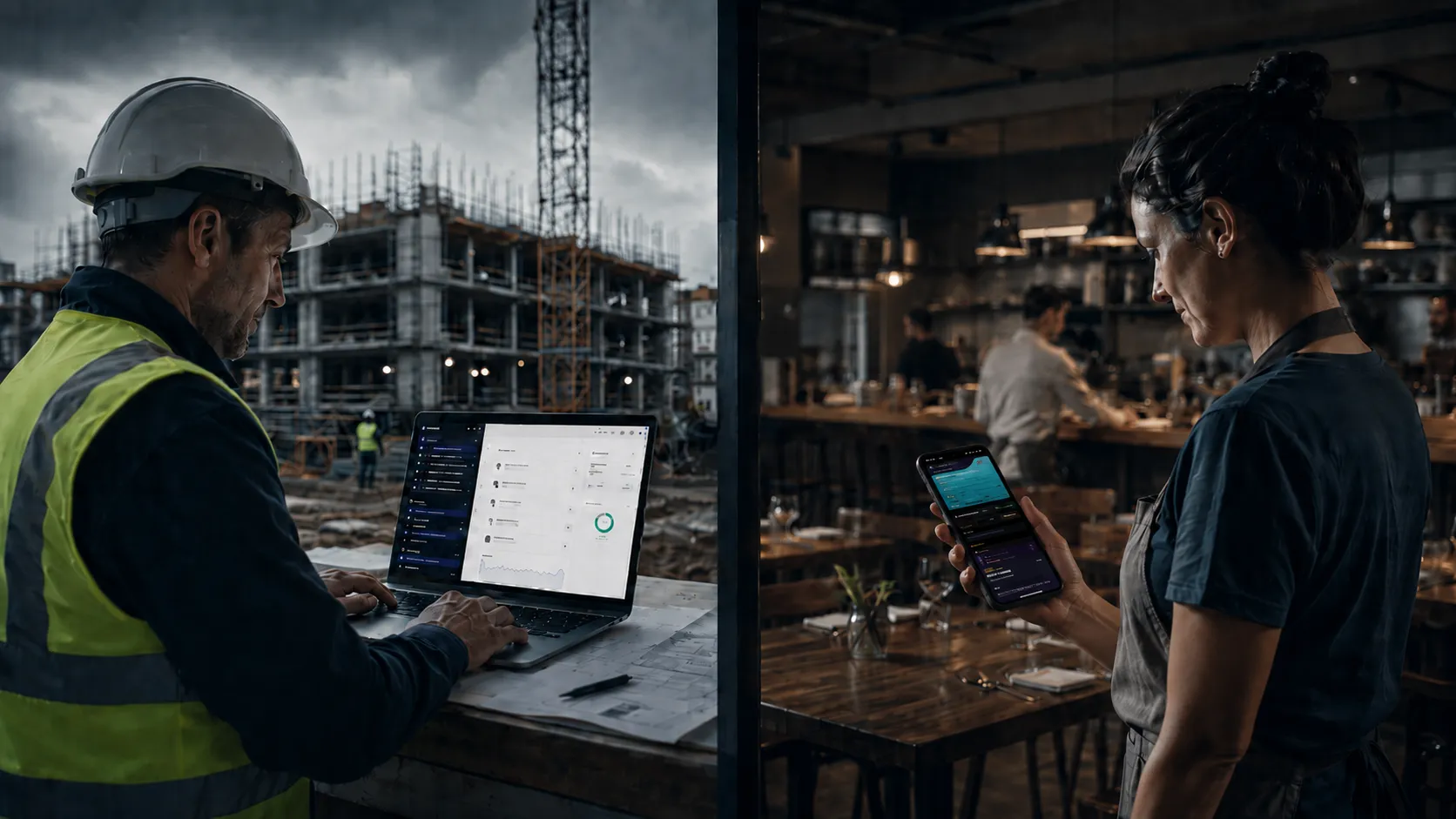
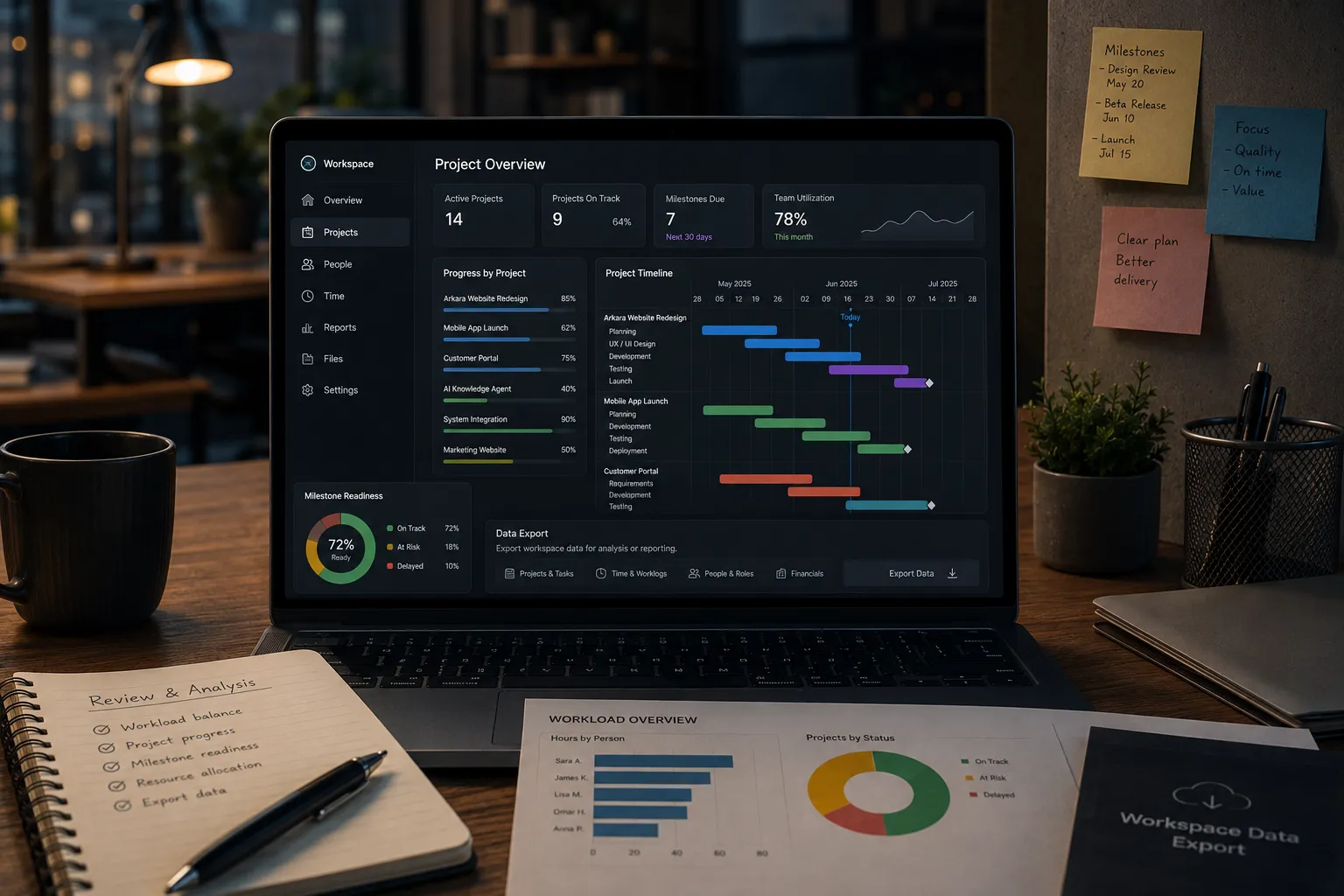
Arkonkt connects the surfaces a team uses to run work: planning, knowledge, workload, communication, customer activity, and business follow-up.
Work structure
Tasks, ToDo, Epics, planning, and review stay connected to the same workspace.
Team context
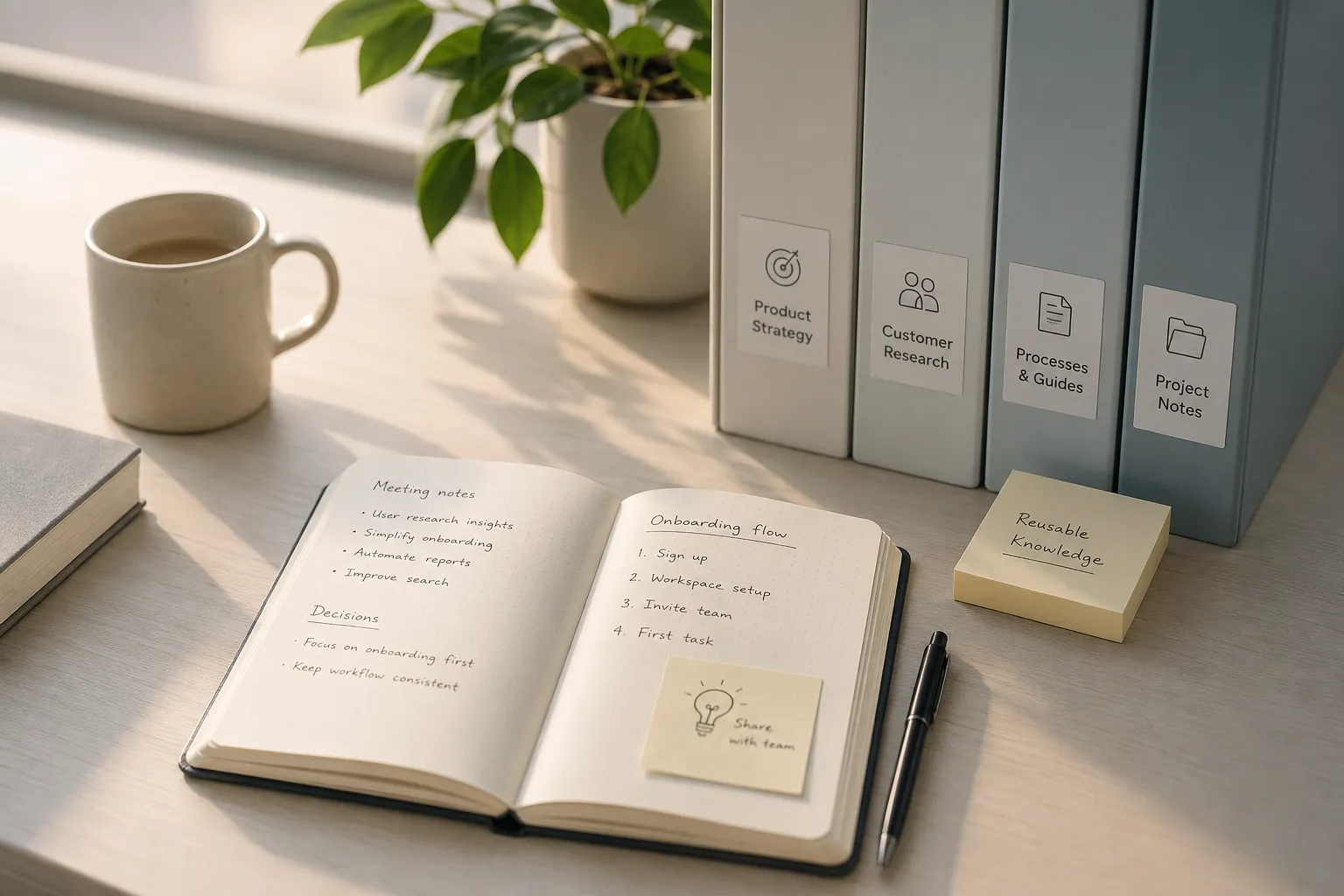
People, knowledge, decisions, and updates stay close to the work they belong to.
Business flow
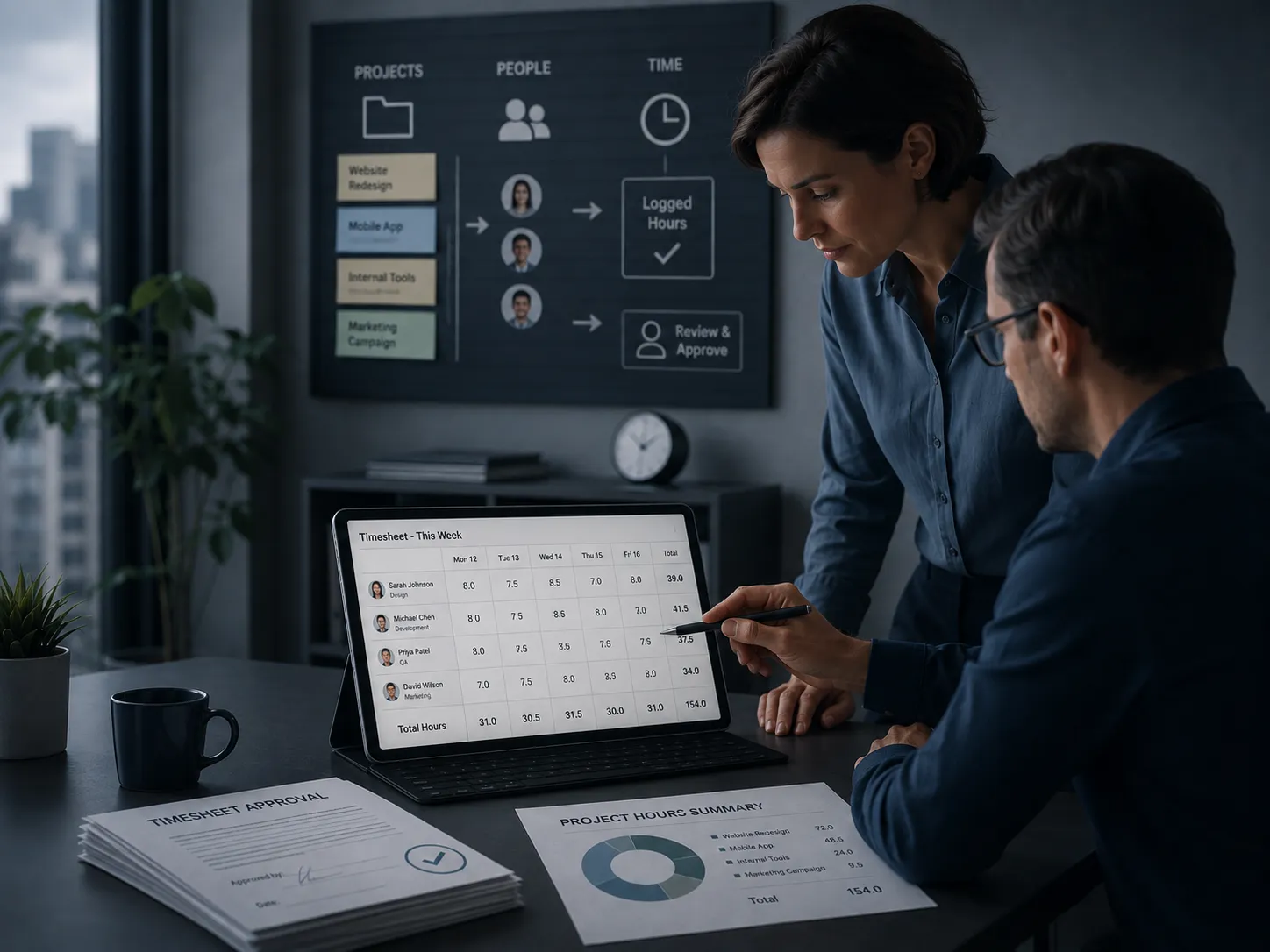
Time, cost, resources, invoices, bookings, and customer follow-up connect back to daily work.
WHY ARKONKT
When planning, workload, time, cost, knowledge, customer activity, and daily work live in different places, teams lose the full picture. Decisions slow down, follow-up becomes harder, and control depends on manual updates.
Plans, capacity, time, and delivery progress are often separated.
Cost, invoices, expenses, and approvals can drift away from the work behind them.
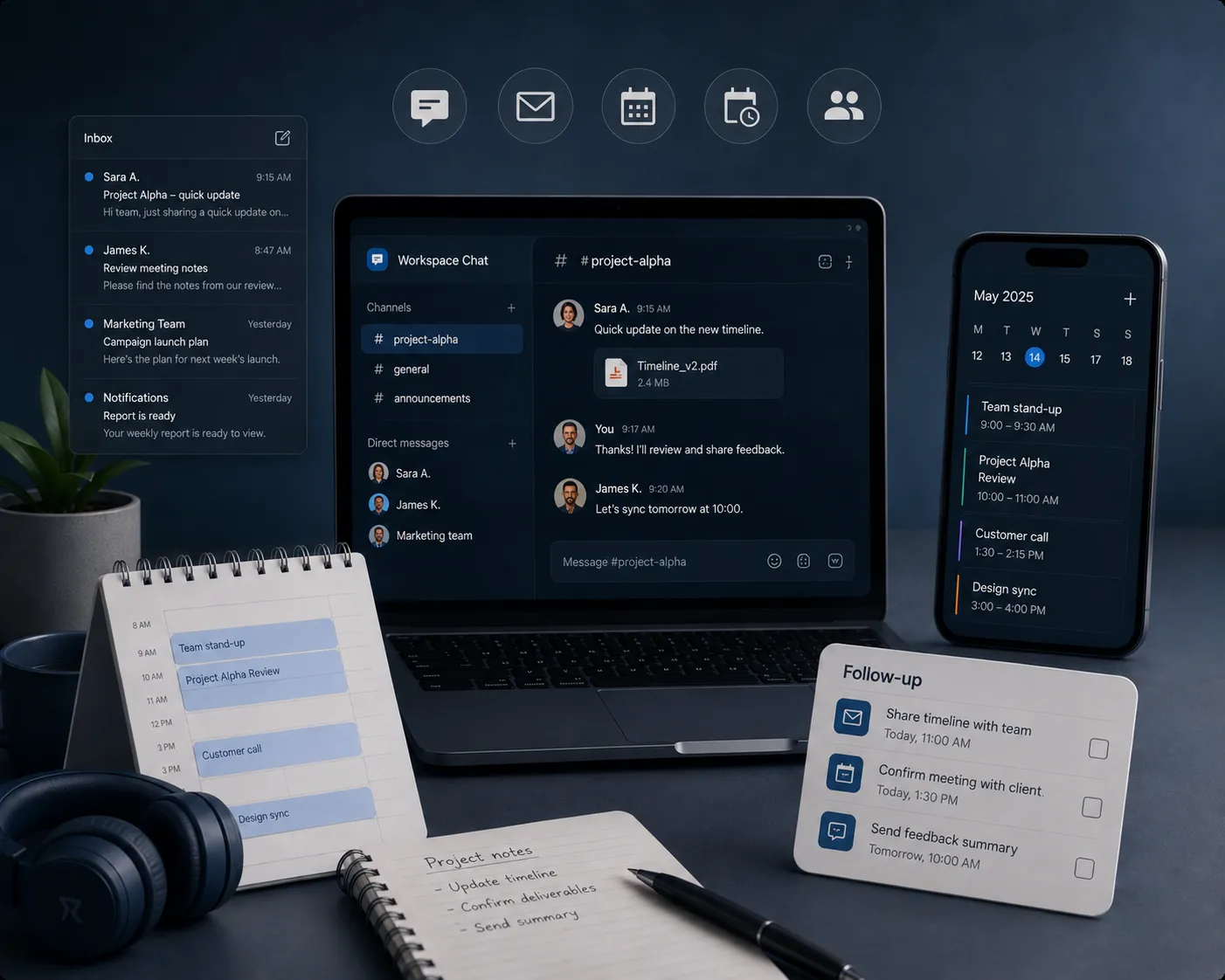
Bookings, communication, and customer needs are harder to manage when they are not connected to team work.
Arkonkt is not another place to store tasks. It connects the work, the people, and the customer context so a team can act with more control over what happens next.
WORKSPACE VALUE
Arkonkt helps teams divide work, plan resources, report time, understand cost, manage knowledge, handle business flow, and stay connected to customers from one shared workspace.
Divide work, plan resources, follow milestones, and understand what the team can take on.
Connect time reporting, project cost, invoices, expenses, and approvals to the work they belong to.
Bring team knowledge, decisions, communication, and AI support closer to daily work.
Keep bookings, communication, customer context, and follow-up connected to the team’s work.
DESKTOP WORKSPACE
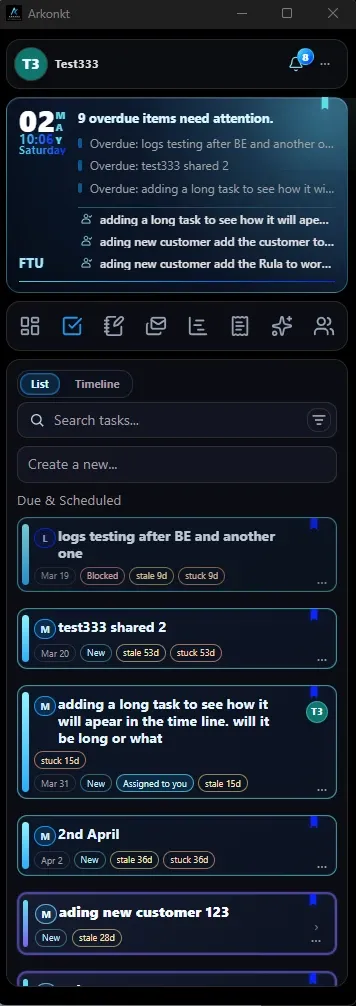
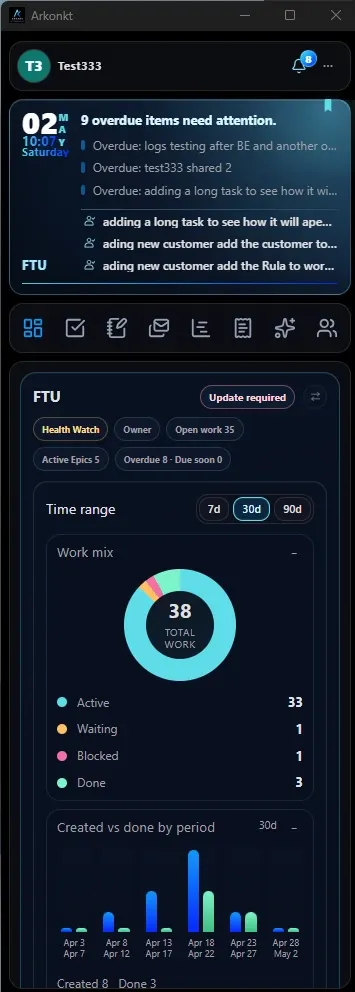
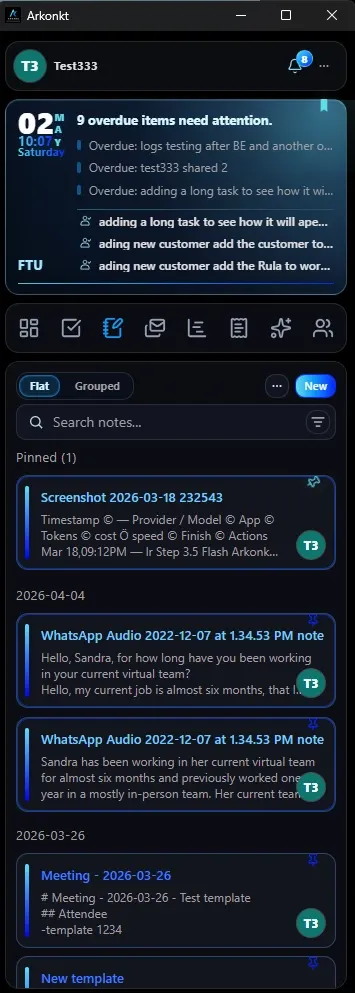
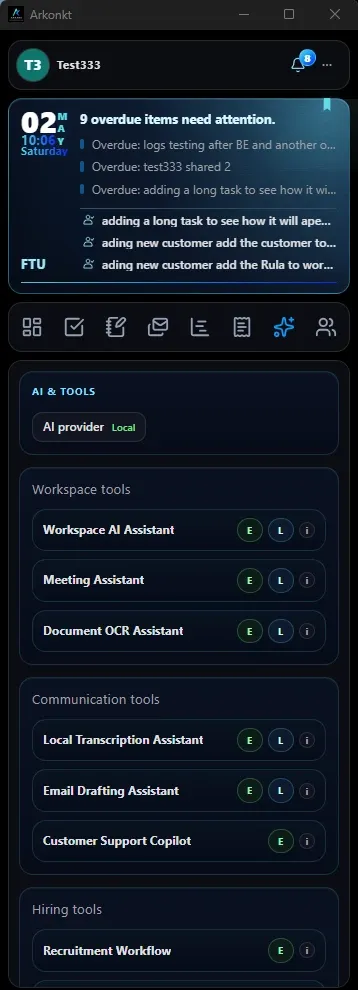
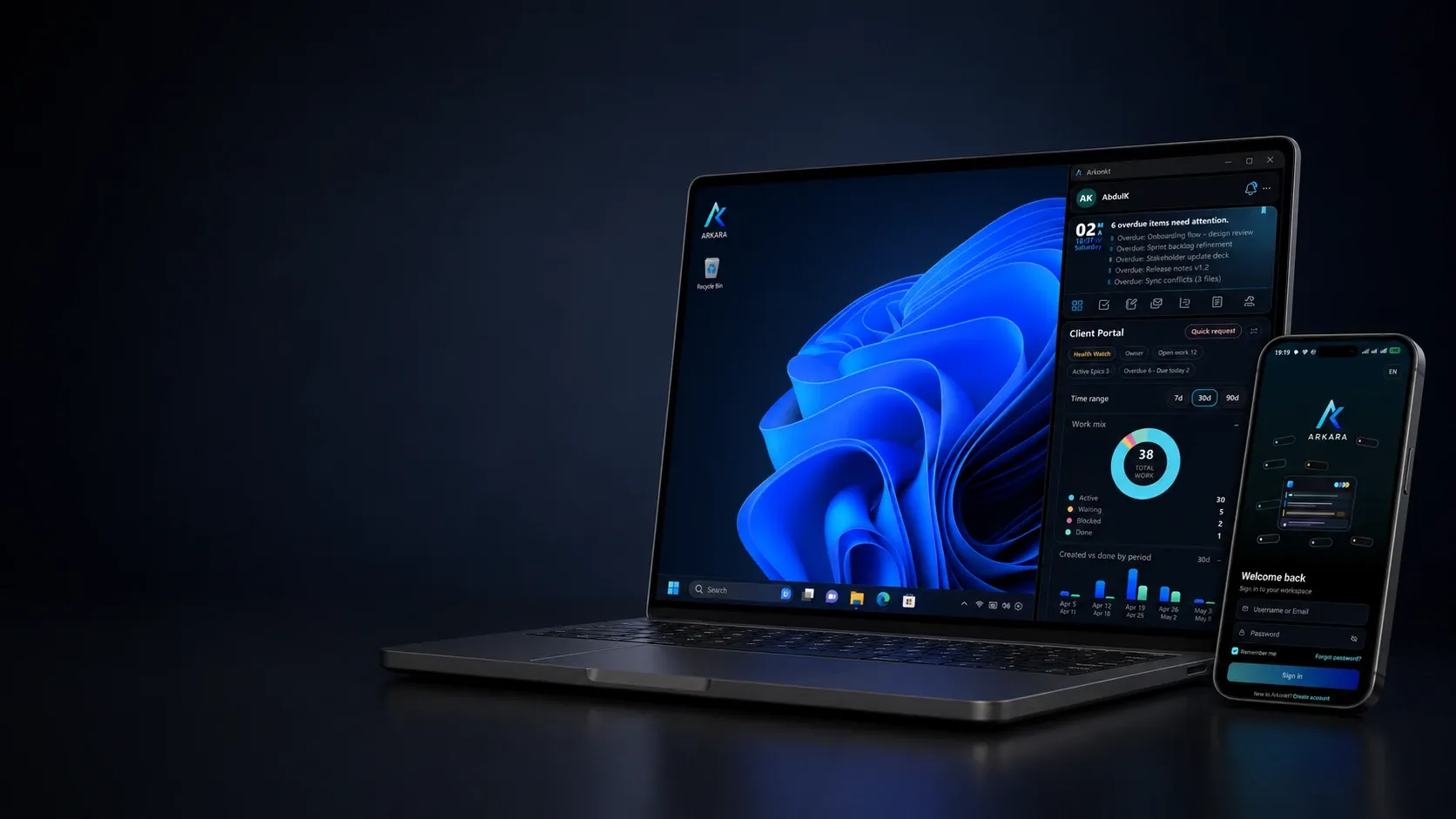
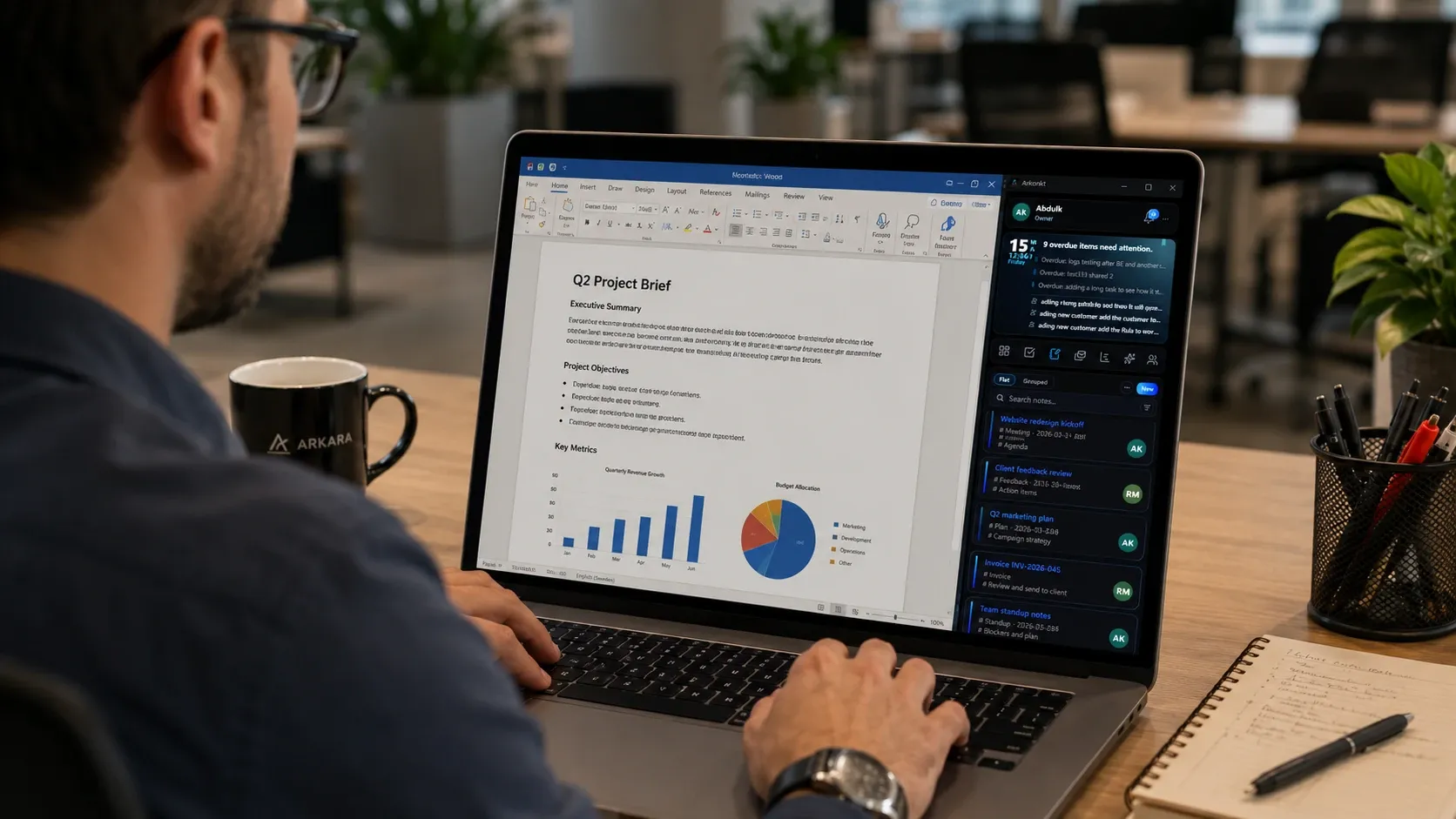
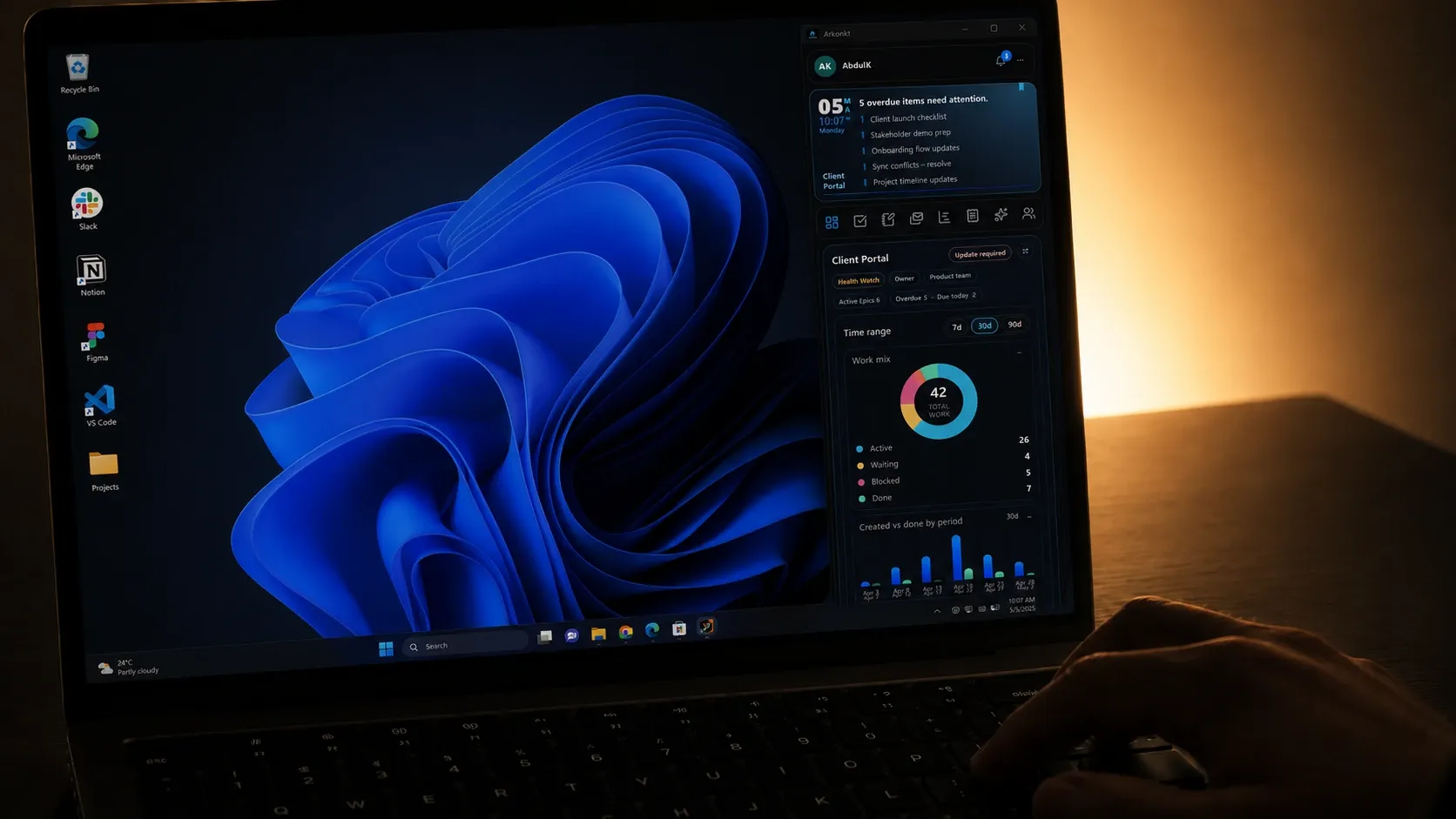
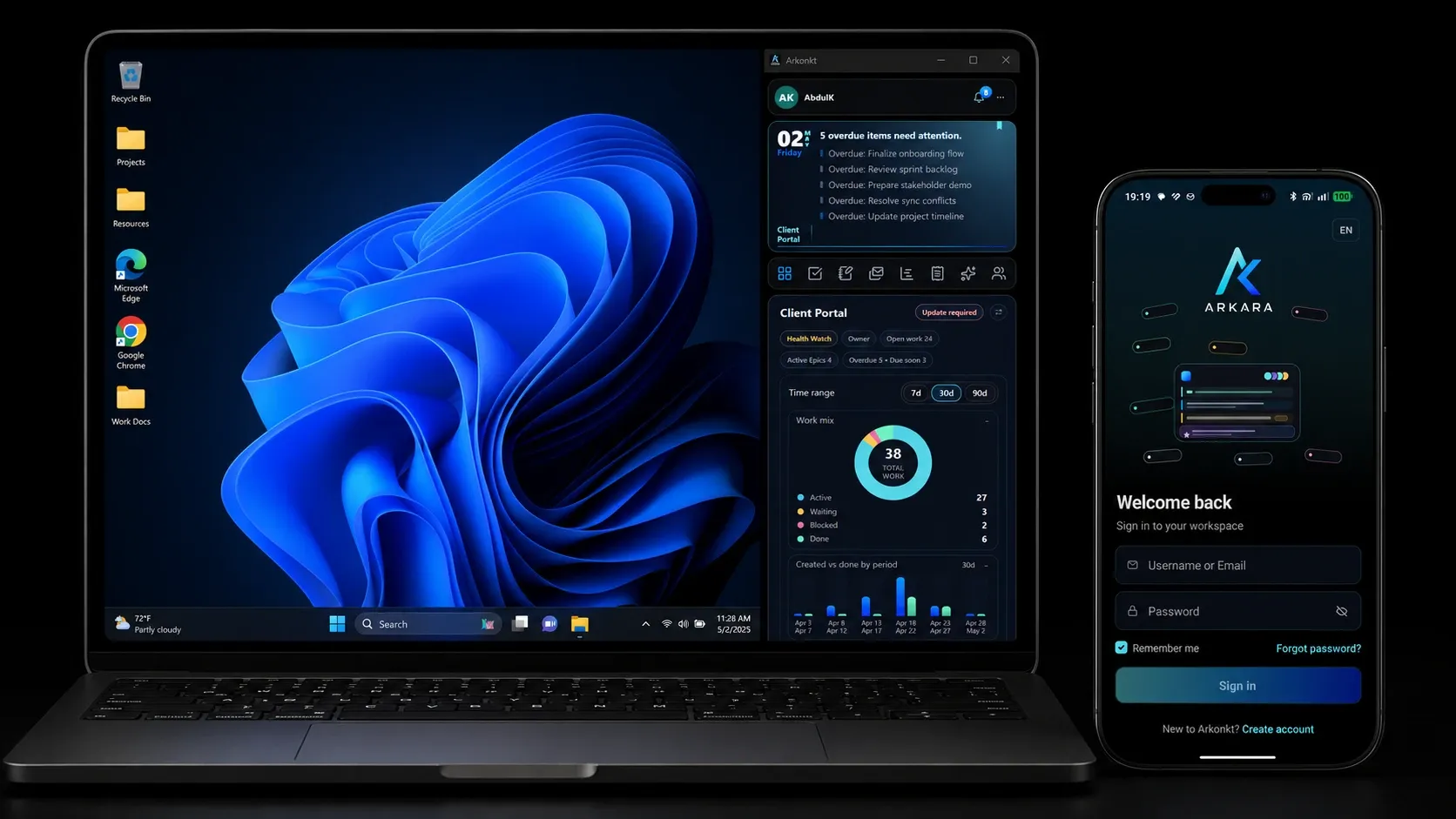
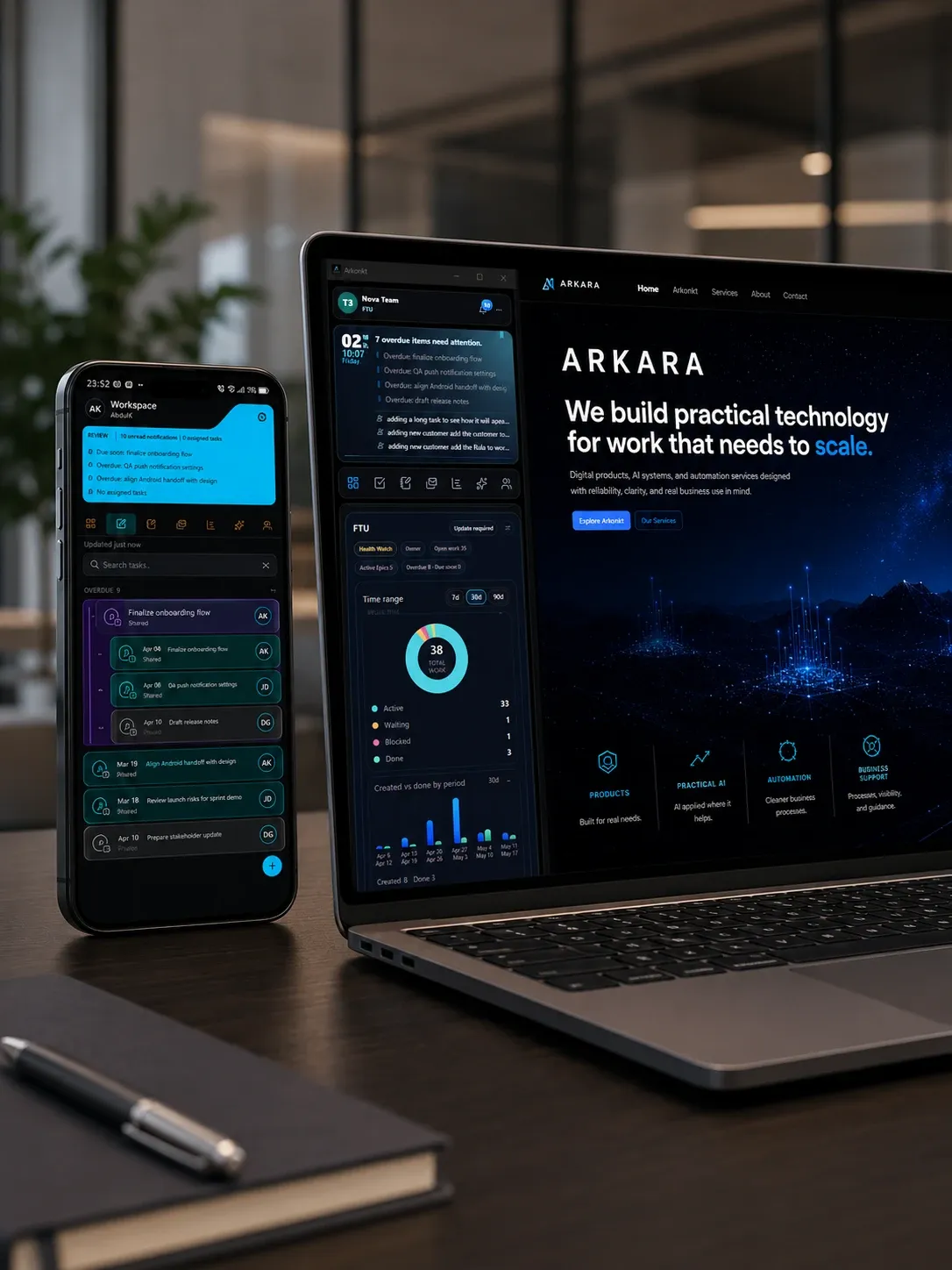
The Windows app is designed to stay close to daily work. It helps users follow the workspace, project, team, and important updates while continuing to work in other tools on the same desktop.
Arkonkt can run locally without sign-in for solo use, or connect to the backend for shared workspaces and sync. It can use Google Gemma local AI models on supported devices when selected data should stay private on the machine, or cloud AI when teams want faster responses and access to higher-end AI models.
Follow work, projects, team activity, and workspace status from one focused desktop surface.
Keep Arkonkt available on the side while continuing to work in other apps.
Use it locally for solo work, or connect to the backend for shared workspaces and sync.
Use local AI when selected data should stay on the machine, or cloud AI for faster responses and higher-end models.
MOBILE WORKSPACE
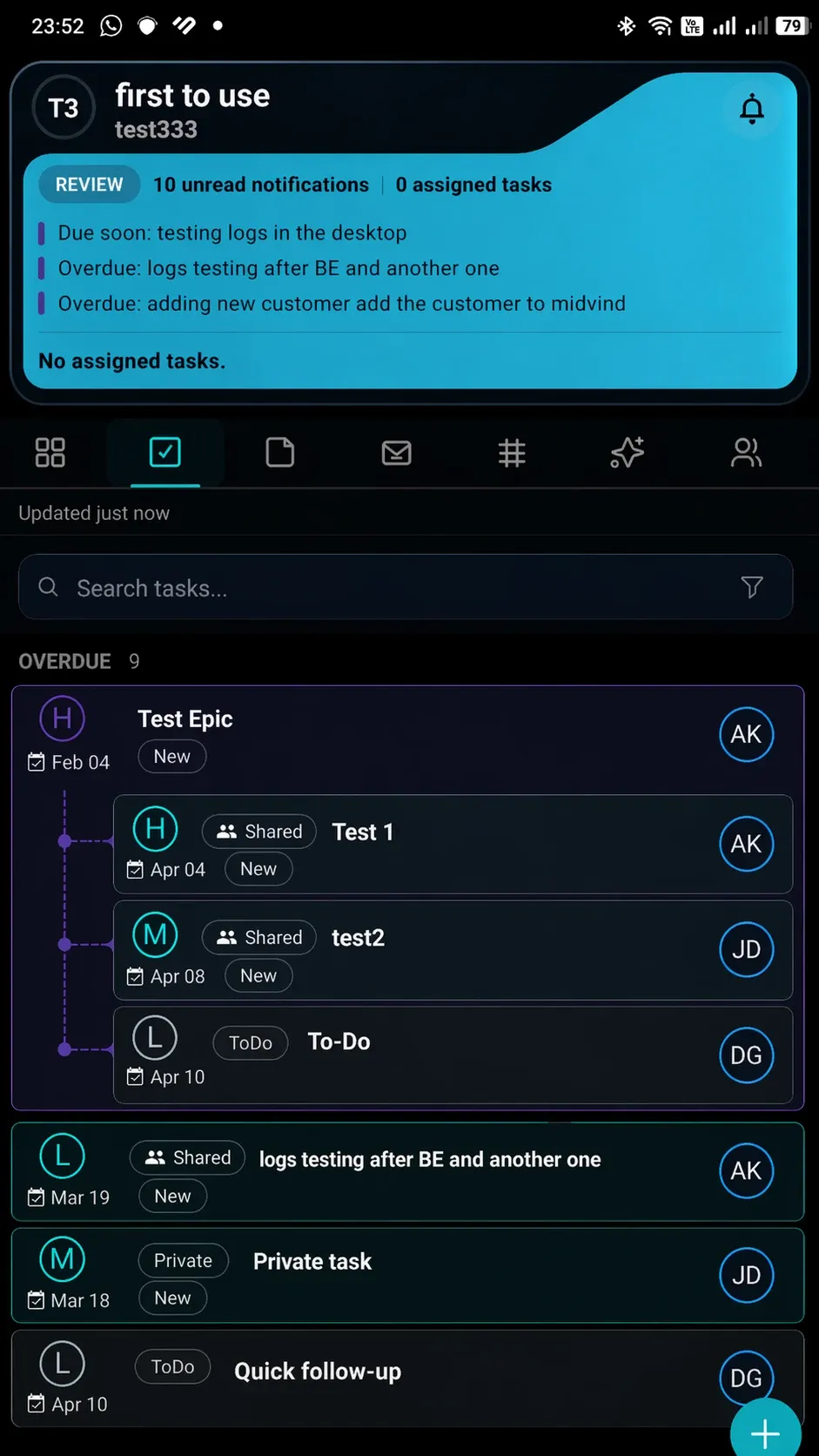
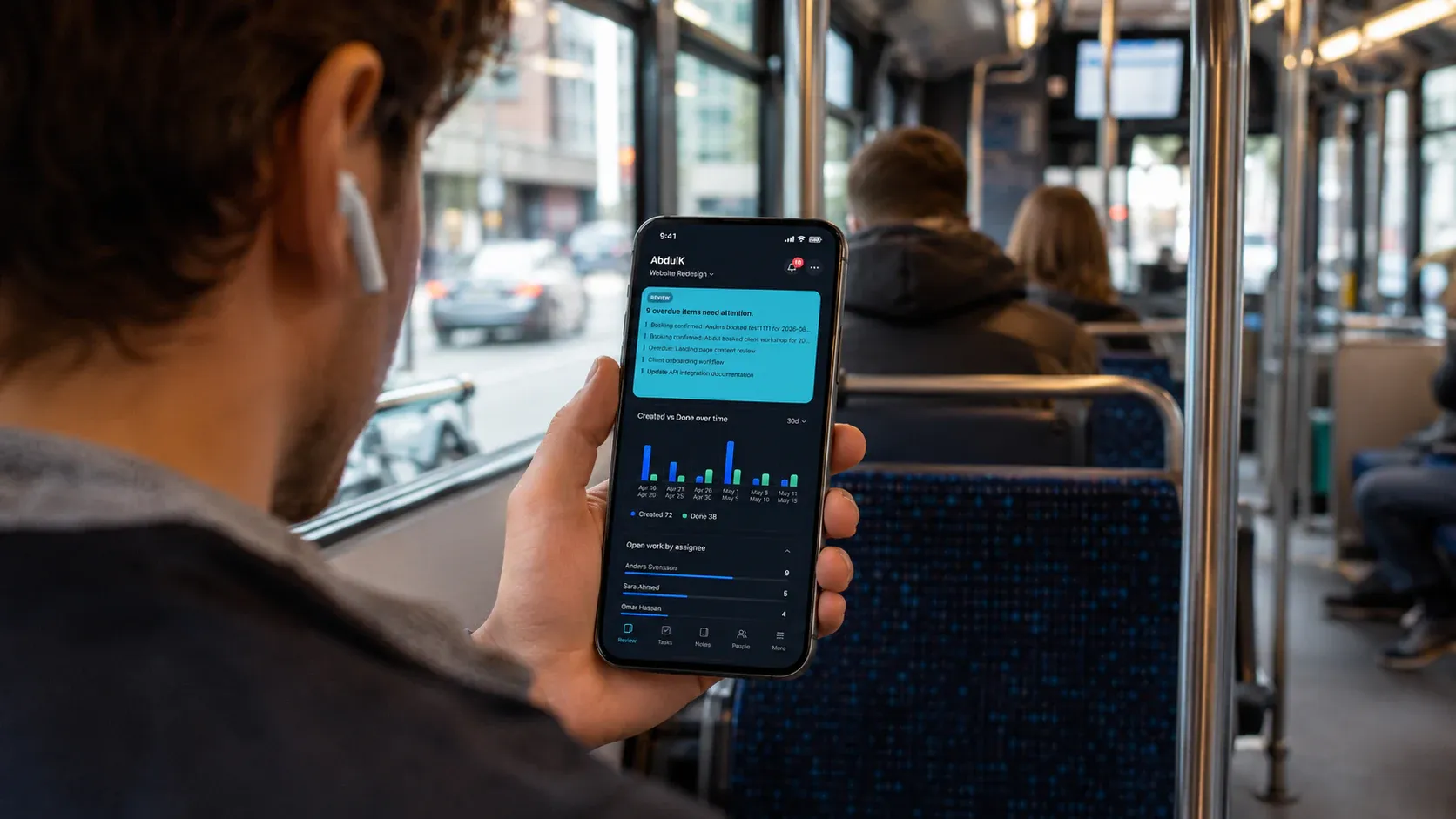
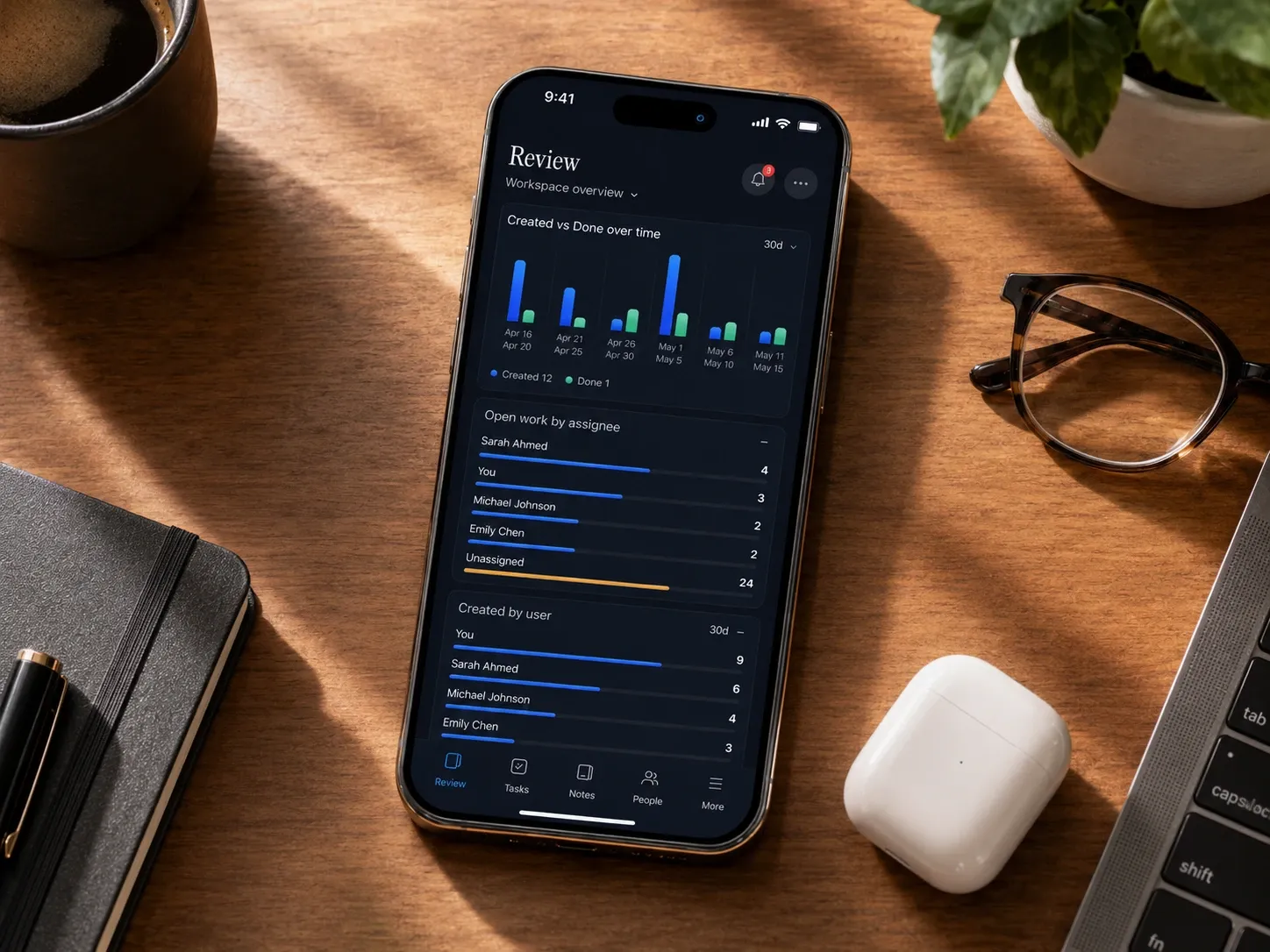
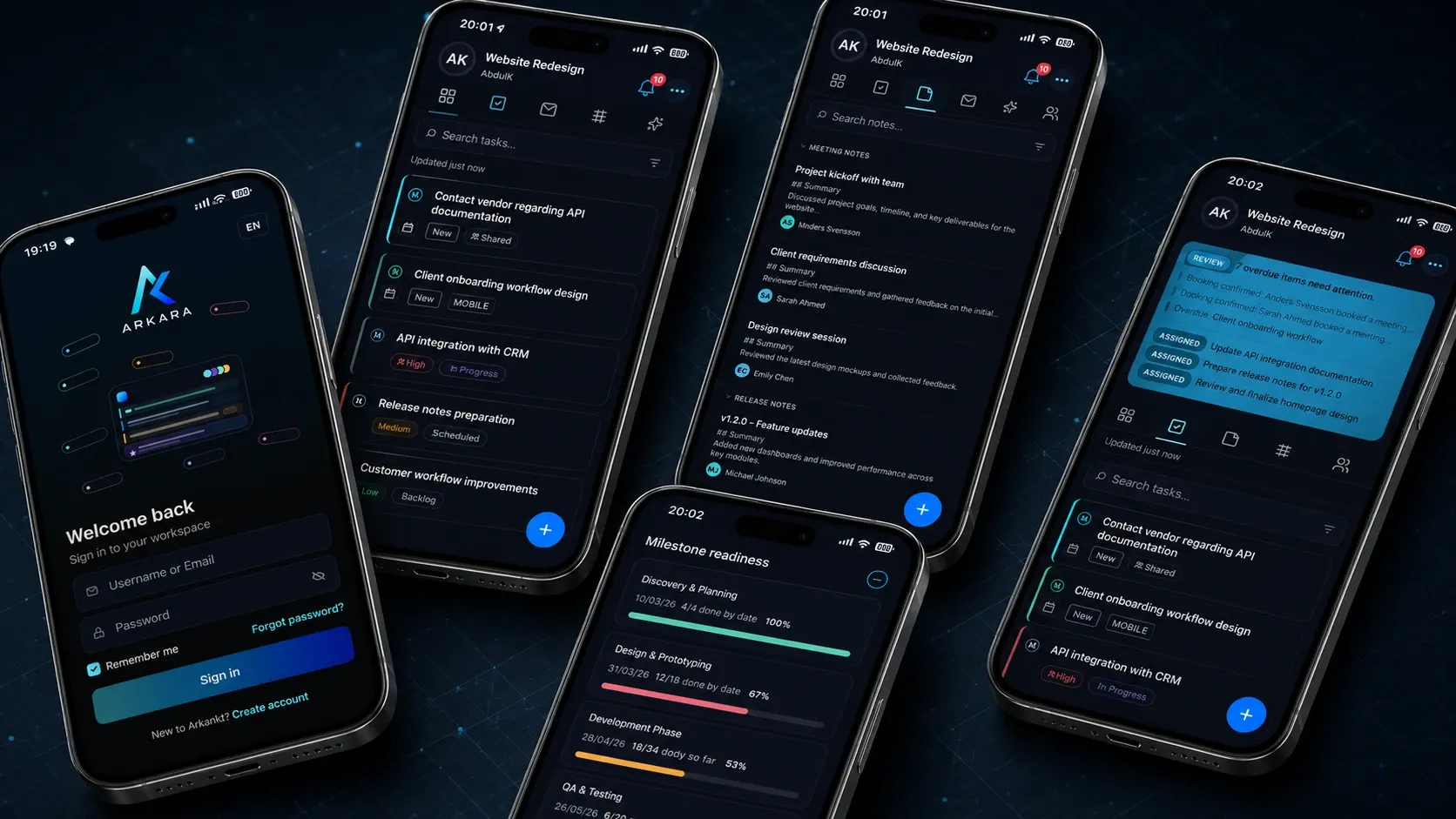
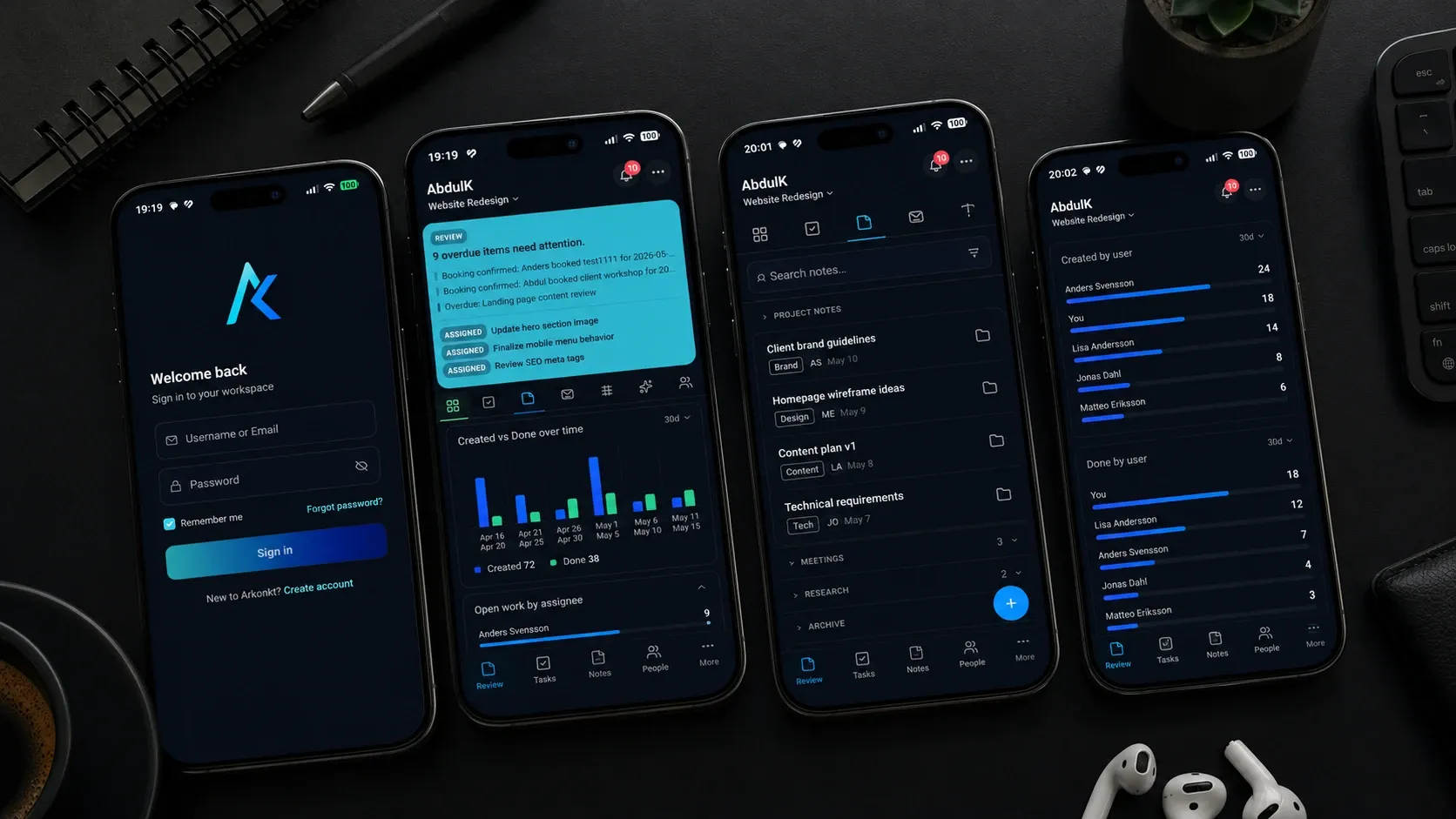
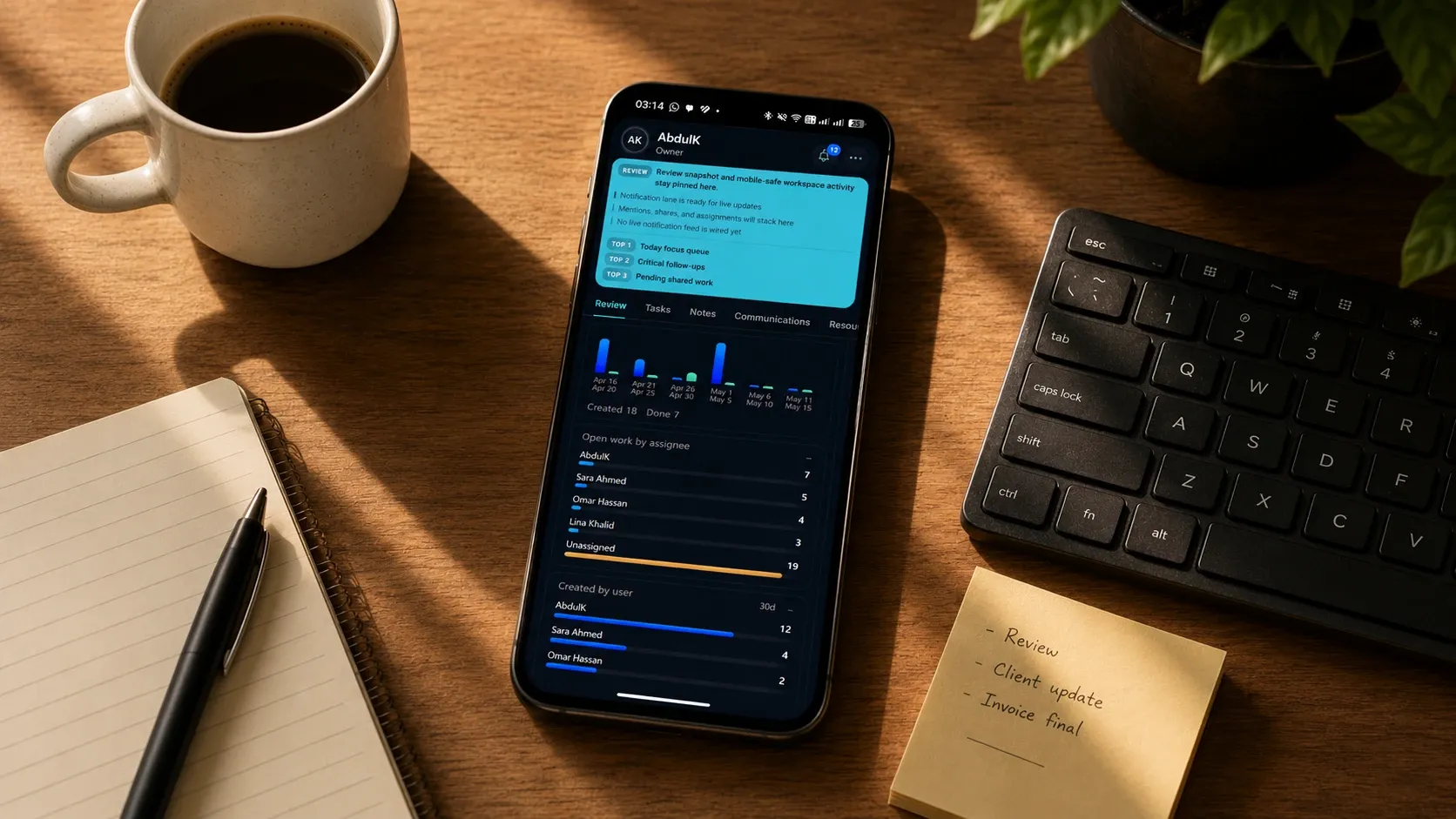
Arkonkt’s mobile experience helps teams stay aware of tasks, priorities, updates, and workspace context while work is moving. It is shaped as a companion to the main workspace, giving people easier access to what matters when they are on the go.
Request access to learn how ARKARA is making Arkonkt available for your team.
Open the team picture, check important items, and keep work visible away from the desk.
Stay aware of tasks, updates, and what needs attention without losing the larger context.
Keep people, notes, and workspace information close when decisions need context.
Use a mobile experience shaped around the same workspace instead of a separate disconnected tool.
AI IN CONTEXT
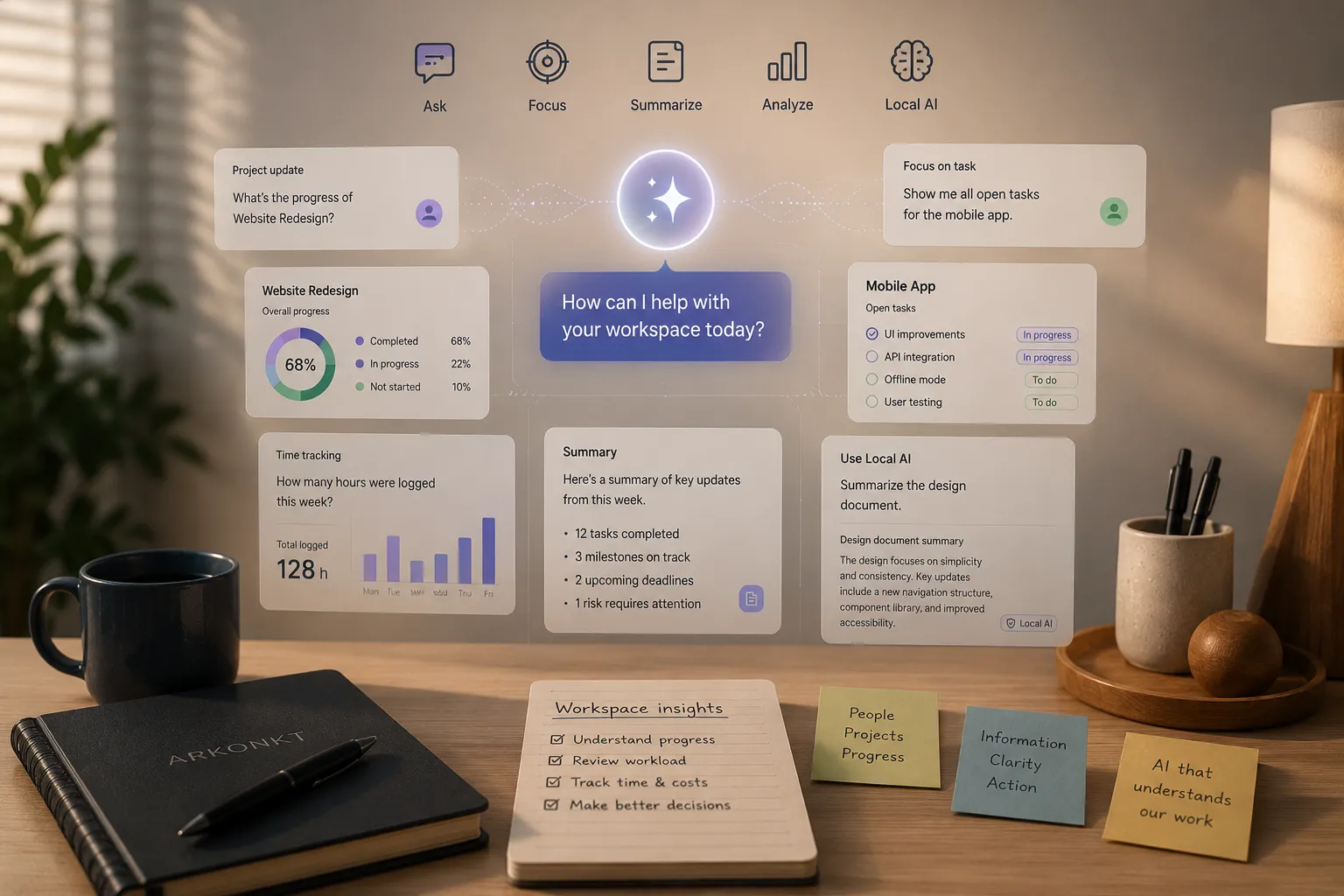
Arkonkt uses AI where it can support the work already happening in the workspace: working with knowledge, answering questions, supporting meetings, assisting with documents, and turning useful output into action.
AI helps the team work with more context, spot what may be missed, reduce repeated effort, and make better use of the information already inside the workspace.
Use AI with workspace context to find answers, review information, and support better decisions.
Capture important points, structure outcomes, and turn discussions into clear next steps.
Work with shared knowledge, documents, invoices, expenses, and other information without losing context.
Use AI in a controlled way, including local AI on supported devices when selected data should stay on the machine.
AI is most useful when it understands the work around it. Inside Arkonkt, it draws on the team’s own knowledge, meetings, and decisions, so the help is grounded in real context.
PRODUCT AREAS
Arkonkt brings the main parts of team work into one product system, from daily work and planning to knowledge, communication, resource use, customer activity, and business follow-up.
Customer questions, availability, and follow-up should not live outside the team’s work. Arkonkt brings them closer to the same workspace, so the team can respond with context.
START WITH ARKONKT
Use Arkonkt locally for solo work, or connect your team through shared workspaces, sync, and backend-supported collaboration.
Request access to explore how Arkonkt can support your team’s workspace across focused desktop work and quick mobile awareness.